You settle into seat 23A, the cabin doors close, and the little WiFi symbol lights up on the screen in front of you. Twenty minutes later you have paid $19 for a connection that cannot load a single photo. If that story sounds familiar, you are not alone. In-flight internet has improved enormously over the past few years, but it remains one of the most confusing — and overpriced — parts of modern travel. This guide explains how airplane WiFi actually works in 2026, what airlines really charge, how to get the most out of a weak connection, and how to make sure you are properly online the second your wheels touch the ground.
How does WiFi work at 35,000 feet?
There are two fundamentally different technologies behind the WiFi logo on your seatback, and knowing which one your airline uses tells you almost everything about the experience you are about to have.
Air-to-ground (ATG) networks
The older system works like an upside-down mobile network: antennas on the ground point up at the sky, and an antenna on the belly of the aircraft connects to them as the plane flies overhead. It is cheap for airlines to run, which is why it is still common on short domestic routes. The downsides are obvious — it only works over land, the bandwidth is shared by the entire cabin, and speeds collapse the moment a few dozen passengers open Instagram at the same time.
Satellite connections
Modern fleets increasingly rely on satellites instead. Traditional geostationary satellites sit some 35,000 km above the Earth, which means decent bandwidth but painful latency — every click takes half a second just to travel there and back. The real revolution has come from low-Earth-orbit (LEO) constellations, which orbit a few hundred kilometres up. Airlines that have fitted LEO-based systems now offer genuinely usable internet over oceans, with latency low enough for video calls. The catch: retrofitting a fleet takes years, so even within a single airline, the plane you board today may have brilliant WiFi and tomorrow’s may have none at all.
What airlines actually charge
Pricing in 2026 is all over the map, but most carriers fall into one of three models. Some airlines now bundle free messaging — enough for WhatsApp and iMessage text — with any fare, hoping you will upgrade mid-flight when you realise photos will not send. Full browsing packages typically cost anywhere from $8 on short hops to $35 or more on long-haul routes, sometimes priced per hour, sometimes per flight. And a growing club of carriers has moved to completely free WiFi for loyalty-programme members, using internet access as a way to capture your email address rather than your credit card.
A few practical rules follow from this. Always check whether your airline sells a cheaper WiFi pass before departure — buying on the ground is often 30–50% cheaper than buying in the air. If you fly the same airline a few times a year, a free loyalty account frequently unlocks messaging or discounts. And if the flight offers per-hour pricing, buy one hour late in the flight rather than at take-off: you will send the emails that matter and skip paying for the meal service.
Why in-flight WiFi still disappoints
Even in 2026, physics and economics conspire against you. The entire aircraft shares one connection, so a full cabin divides the bandwidth 200 ways. Coverage maps have holes: polar routes, stretches of ocean, and countries that have not licensed the relevant spectrum can all cut your session dead for an hour. Streaming services and large downloads are throttled or blocked outright on most airlines. And connections routinely drop during climb and descent as the aircraft switches between ground stations or satellite beams. The sensible mindset is to treat airplane WiFi as a messaging and email tool, not a replacement for real internet — and to plan your connectivity around what happens before and after the flight instead.
Seven ways to get the most out of a weak connection
- Download everything before boarding. Maps, boarding passes, entertainment, and the documents you need should be on your device before the cabin door closes.
- Turn off automatic backups and updates. One phone quietly syncing photos to the cloud can consume your entire session’s data allowance.
- Use text, not voice or video. Messaging apps sail through connections that would choke on a video call.
- Compose offline, send in bursts. Write your emails offline, then connect briefly to fire them all off at once.
- Check the coverage map for your route. If you are crossing an ocean on an older aircraft, assume hours of dead time and plan accordingly.
- Buy passes on the ground. Pre-purchase pricing is almost always better, and airport WiFi lets you complete the transaction reliably.
- Keep expectations calibrated. If a page will not load, reload once, then wait — hammering refresh on a congested link makes it worse for everyone, including you.
The real problem: what happens when you land
Here is the uncomfortable truth about in-flight WiFi: it occupies you for a few hours, but the connectivity decisions that actually shape your trip happen on the ground. You land in a country where your phone either roams at frightening rates or does not connect at all. Airport WiFi wants your personal data and drops every ten minutes. And the queue at the local SIM counter is forty people deep.
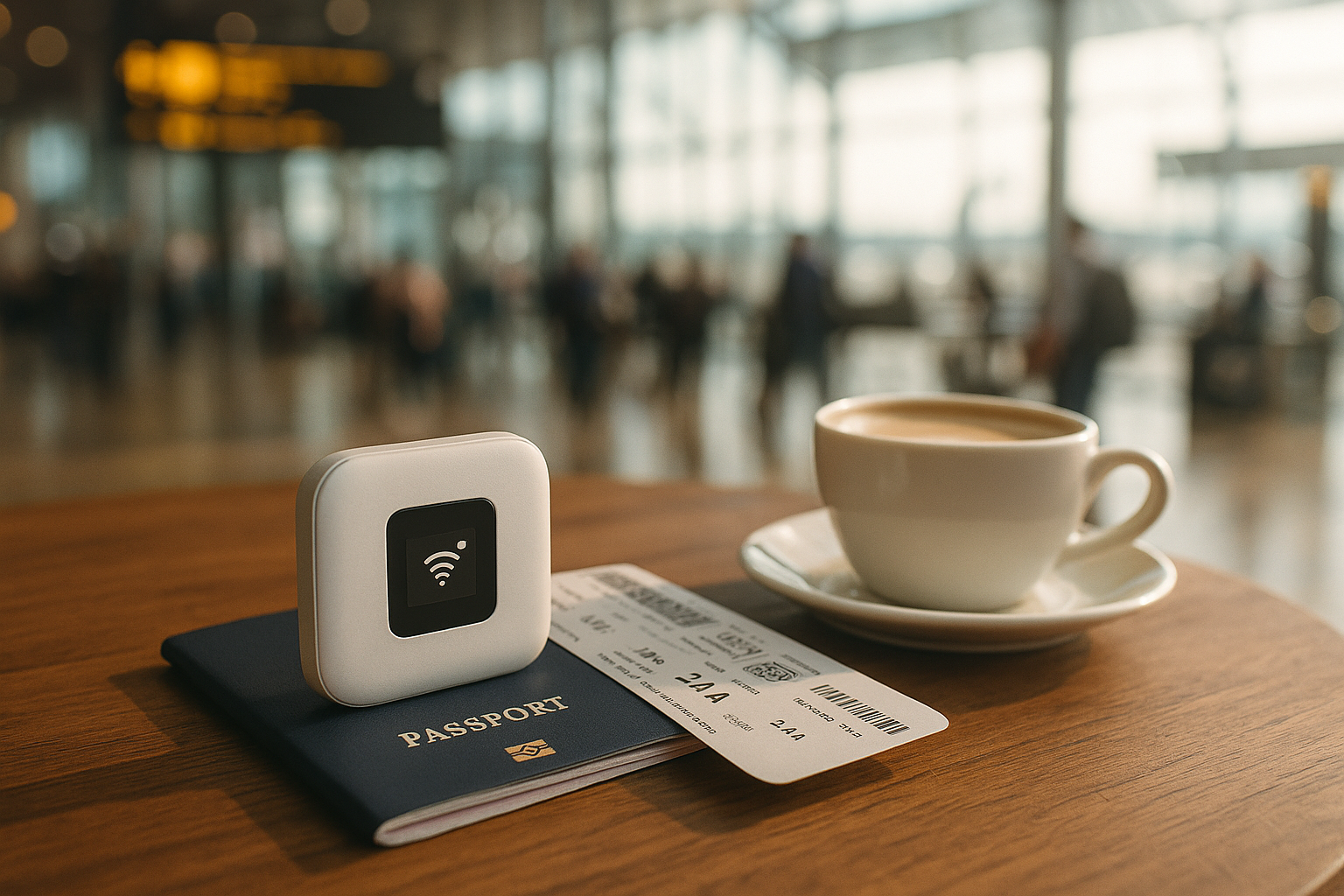
This is exactly the gap a portable travel router is built to close. A device like Ryoko fits in your pocket, connects to local mobile networks in 176 countries, and creates a private WiFi hotspot for up to ten devices — your phone, laptop, and travel companions all covered the moment you clear the jet bridge. There is no SIM swap, no roaming bill waiting at home, and no signing into sketchy airport hotspots with your email address. You switch it on, and you are online, on every leg of a multi-country trip, with one predictable device.
Frequent flyers tend to converge on the same setup: treat airplane WiFi as an optional extra for messages, and rely on a pocket router as the backbone of the trip — from the arrivals hall to the hotel, the train, the café, and the flight home.
Frequently asked questions
Can I use my own mobile data on a plane?
No — cellular connections must be off in flight mode, and at cruising altitude you are out of range of terrestrial towers anyway. Portable routers and phone hotspots also stay off in the air. They take over the moment you land, which is precisely when you need them most.
Is airplane WiFi safe for banking or work?
Treat it like any public network: it is shared with everyone on board. Stick to sites with HTTPS, avoid logging into sensitive accounts if you can wait, and use a VPN if your work requires it. For anything genuinely sensitive, waiting for your own private hotspot on the ground is the safer play.
Why did I have WiFi on the outbound flight but not the return?
Almost certainly a different aircraft. WiFi hardware is fitted plane by plane, so the same route on the same airline can offer completely different connectivity depending on which tail number shows up. The airline’s app usually shows WiFi availability for your specific flight on the day.
Ready to stop gambling on airport WiFi and roaming bills? The Ryoko portable router covers 176 countries and is currently available for $89.00 instead of $296.67 — a 70% discount. Check availability and claim the offer here.