Free WiFi is everywhere travelers go — hotels, airports, cafés, lobbies. It feels convenient, but that convenience comes with real risks to your privacy and your data. Here is what actually happens on public networks, and why carrying your own travel router is the faster, safer choice.
What makes public WiFi risky
Open networks are shared with everyone nearby and are often unencrypted. On a poorly secured network, others can intercept traffic, set up fake hotspots that mimic the real one, or push you to malicious pages. Even « password-protected » hotel WiFi is shared by hundreds of strangers at once.
Why a travel router is safer
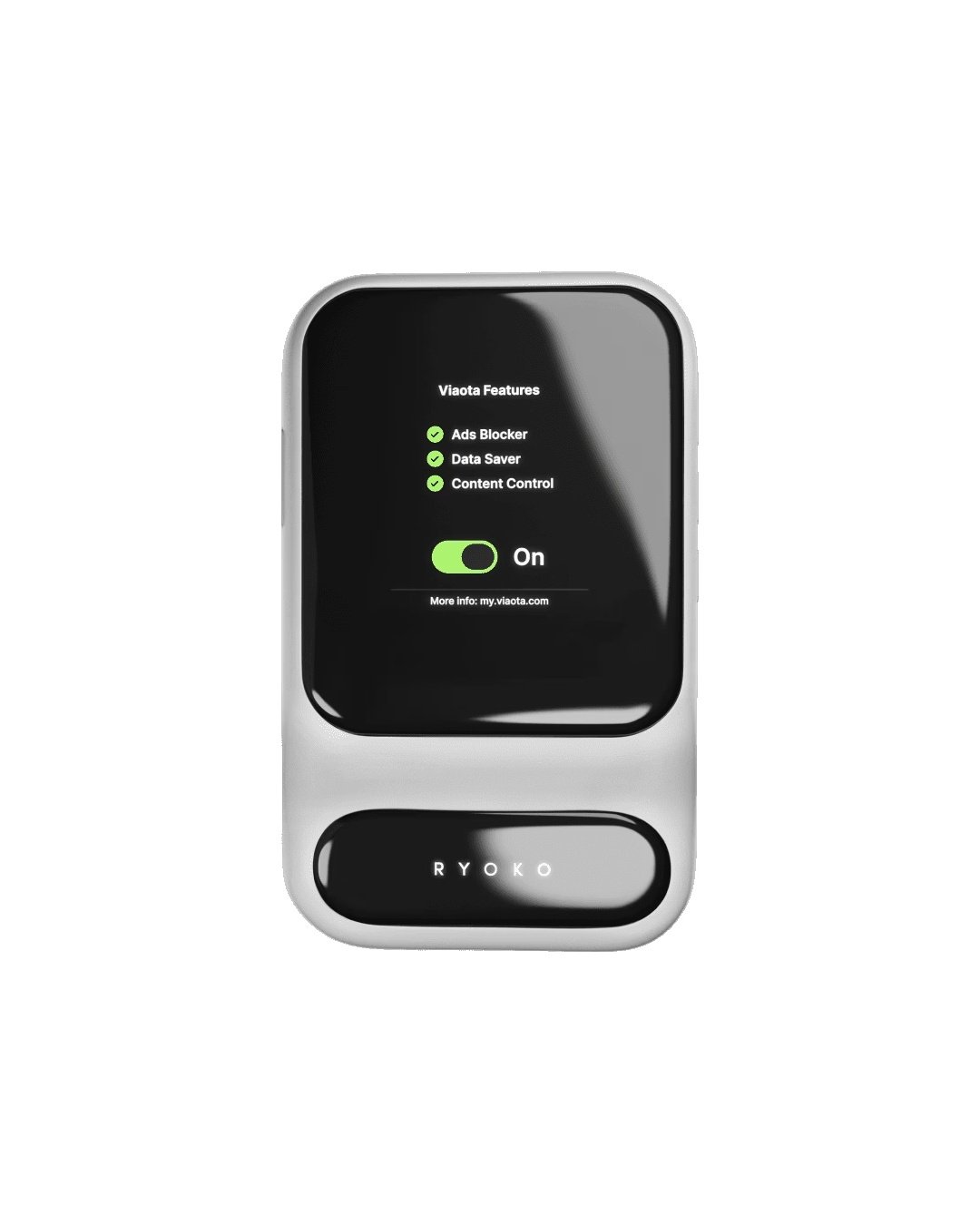
The Ryoko travel router creates your own private hotspot that only your devices use. Your connection isn’t shared with strangers, and the built-in Viaota tools add another layer: Ads Blocker strips intrusive and potentially malicious ads, Content Control keeps browsing safe, and Data Saver reduces how much data you expose.
And usually faster, too
Hotel and airport WiFi slows to a crawl at peak times because everyone shares one pipe. A personal router connects to strong local mobile networks, so your speed doesn’t collapse when the lobby fills up. One reliable connection covers your phone, laptop and tablet in 176 countries.
Simple habits for safer travel browsing
- Prefer your own router over open networks for anything sensitive.
- Keep Ads Blocker and Content Control switched on.
- Avoid logging into banking on shared hotel WiFi.
Travel connected, travel protected
You don’t have to choose between staying online and staying safe. Learn more about what the Ryoko WiFi router can do, or read our guide to the dangers of public WiFi while traveling. Stay connected in 176 countries — no SIM, no roaming.